How to create a crowdfunding campaign?
- Web
Good to know: It is recommended to have a Faroty user account. If you don't have one, you will first need to click on "Login / Sign Up" at the top right of the screen.
1 Access the creation page
To get started, go to the campaign creation form:
- Open your web browser.
- Go to the following link: https://crowdfunding.faroty.com/fr/create-campaign
- You will land on the page titled "Create your campaign".
2 Choosing the category
The first required information is the type of your project:
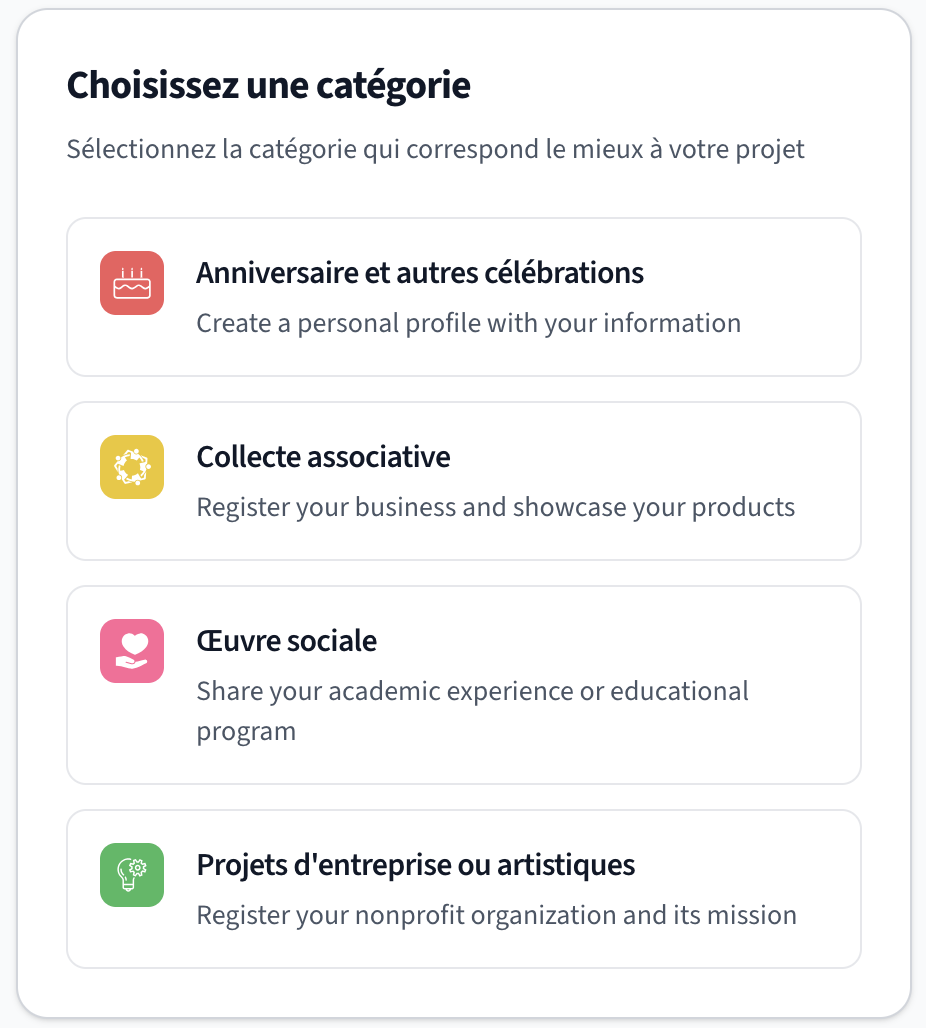
- Click on the Category drop-down menu.
- Select the category that best fits your needs (e.g., Happy celebrations, Association project, Entrepreneurial project, etc.).
3 General information (Identity)
Describe your project to inspire donors to participate:
- Campaign title: Choose a clear and catchy title.
- Organizer: Indicate the name of the project creator or the association.
- Description (The story): Explain your project in detail. Tell who you are, why you are raising funds, and what the money will be used for. Be transparent!
- Cover image: Click on the upload area to upload the main photo of your campaign (A campaign with beautiful images inspires much more trust).
4 Financial goal and Tiers
This is the step where you define your financial needs and the deadline:
- Target amount: Enter the total amount you hope to raise in FCFA.
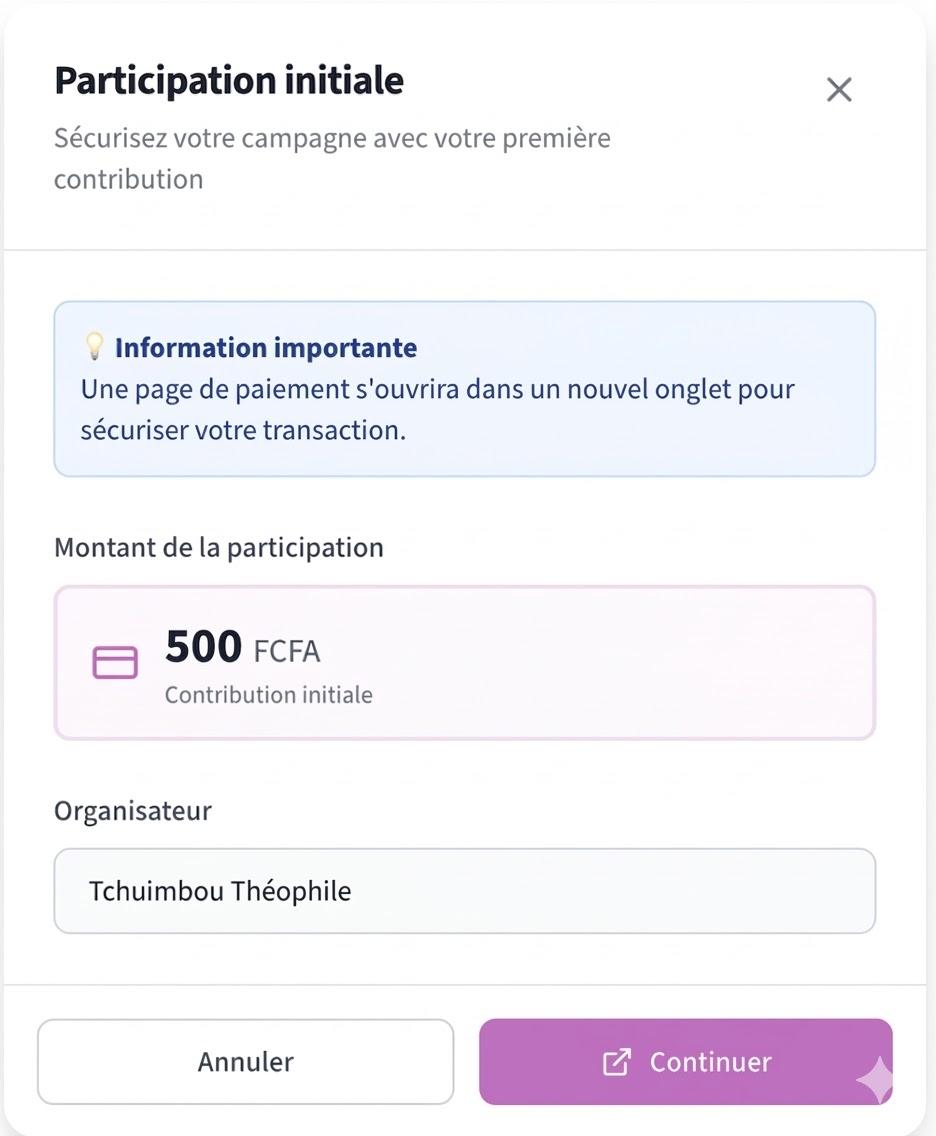
- Initial participation amount: This is the amount that you yourself will contribute to the campaign, and you must add it to your campaign before publishing.
- End date: Indicate the end date of your campaign.
- Participation tiers (Rewards: only for the Entrepreneurial Projects Category): You can create rewards to encourage donations (e.g., "For 5000 FCFA, receive a T-shirt"). Give the tier a title, an amount, and describe the reward and the date from which you will provide the reward.
5 Submit and Publish
The final step to put your campaign online:
- Verify that all your information is correct.
- Scroll down to the bottom of the form page.
- Click on the Publish campaign button, then on the window that appears, click Continue and choose your payment method to make the initial participation payment.
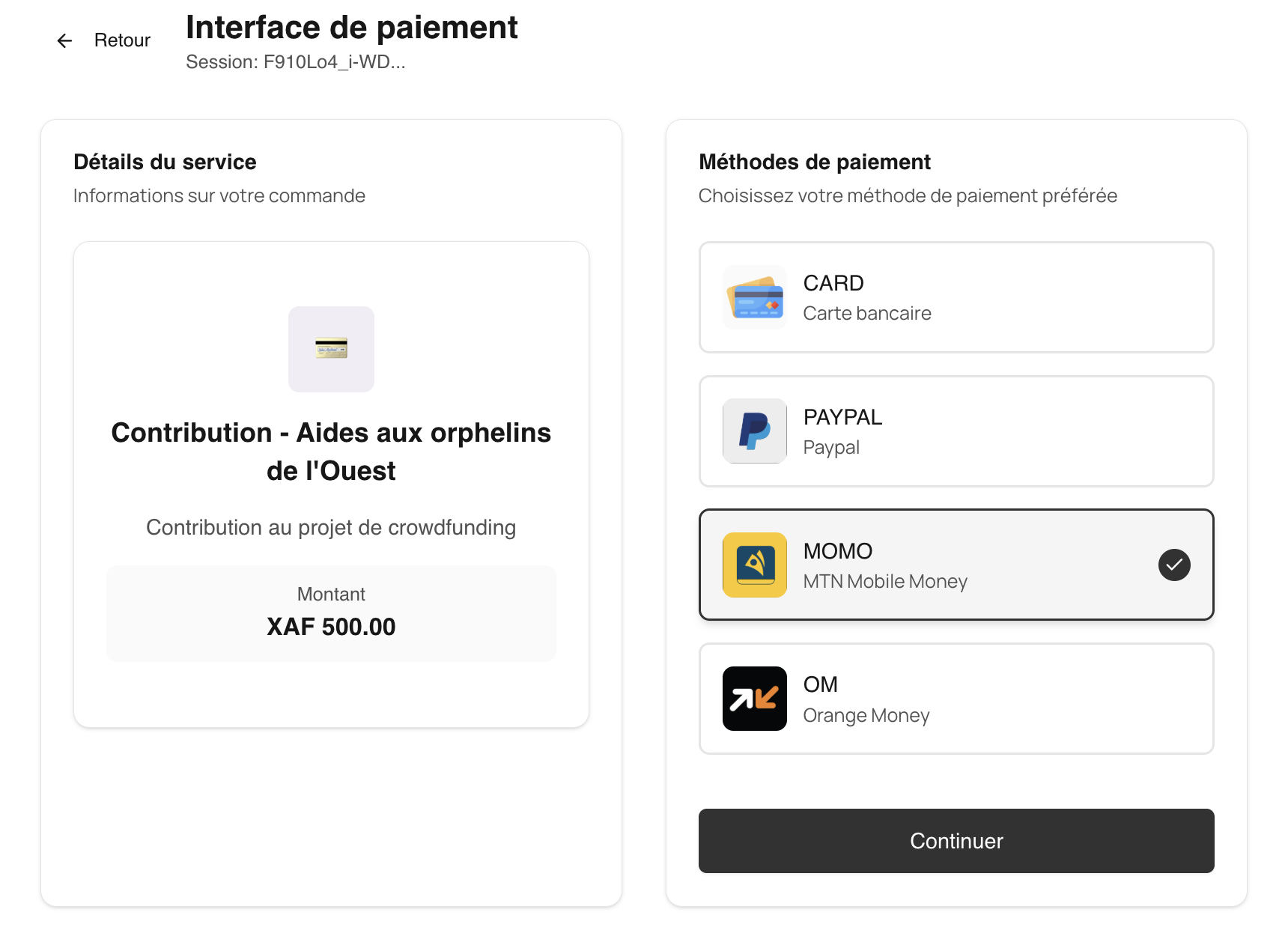
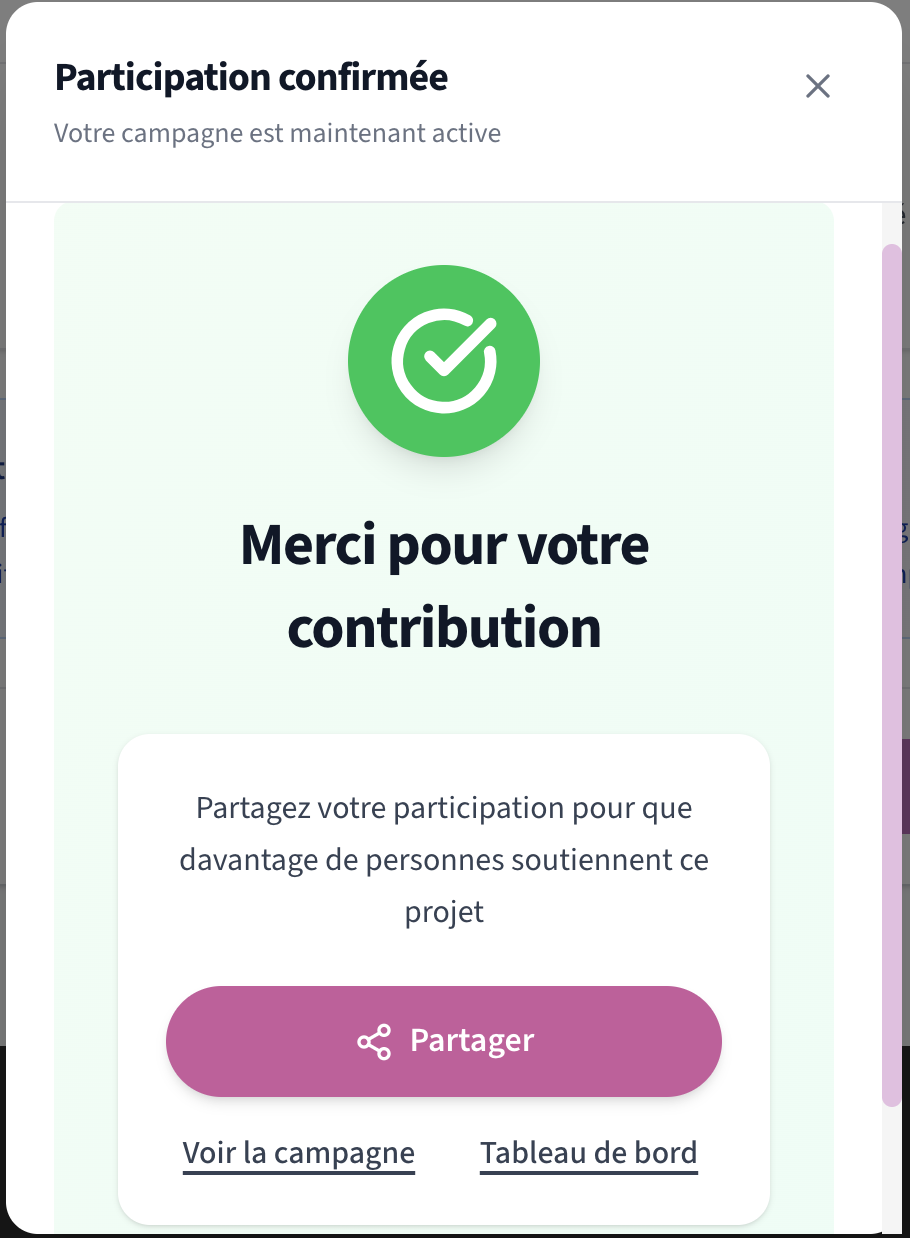
- After payment validation, you will be able to access your campaign and share it with your community.